Settings Page Layout
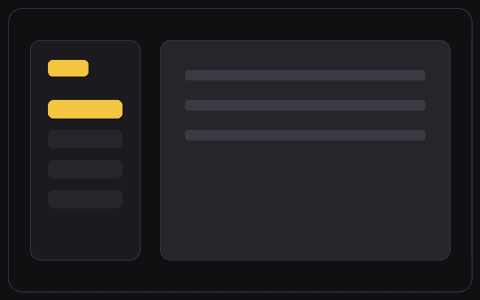
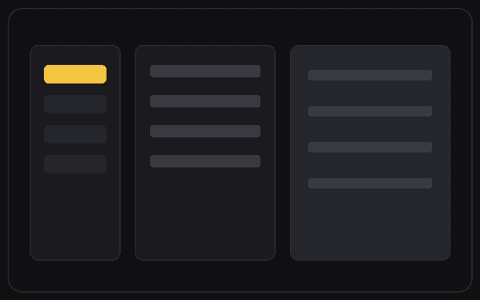
Settings nav on the left, grouped form sections on the right.
THE PROMPT
Design a settings page with a vertical settings menu on the left (Profile, Account, Billing, Notifications) and grouped form sections on the right, each with a title, description, fields, and a save action. Match my product's existing look: colors, typography, spacing, and overall aesthetic.
How to use this prompt
1. Copy the prompt above.
2. Paste it into your AI tool — Claude, ChatGPT, Cursor, v0, Lovable, or any builder.
3. Add a screenshot of your existing UI so the result matches your colors, type, and spacing.